Wednesday, March 18, 2015

Class 8: My Scratch Valentine

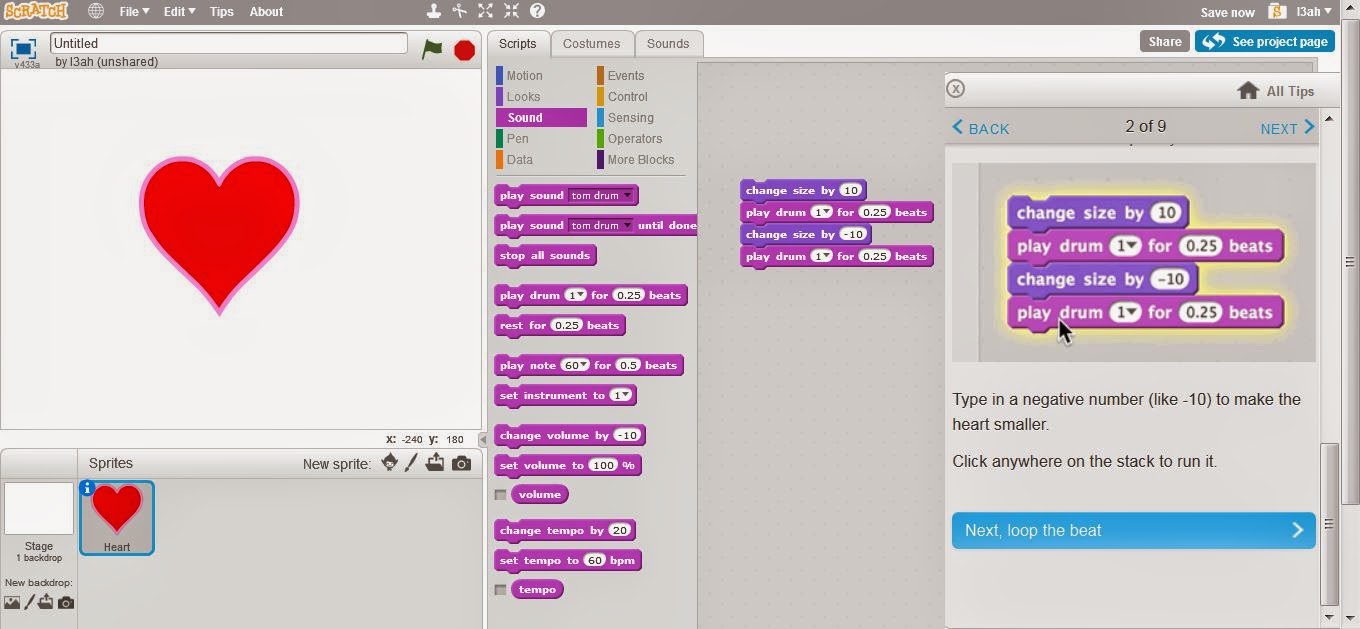
Here I created a valentine. We made the heart grow then shrink so it looked like it was beating
This made it repeat.
The I added a background
Then I added the text
Then I added more sprites. I made them animated.
Here is the link:
http://scratch.mit.edu/projects/53213140/#player


This is my scratch valentine. It is a final exercise from the Immersive Education course that I am taking at Boston College. The course is called Discovering Computer Graphics. For details, visit the immersive BC portal at http://ImmersiveEducation.org/@/bc
Class 8: Getting started with scratch


here I made a cat dance
and I added sound
I also added another character and a background


Here is the link:

http://scratch.mit.edu/projects/53212048/


This is getting started with scratch a final exam. It is a final exercise from the Immersive Education course that I am taking at Boston College. The course is called Discovering Computer Graphics. For details, visit the immersive BC portal at http://ImmersiveEducation.org/@/bc

Class 8, FINAL PREPERATION: learning the basics of java script

here are tutorials on khanacademy
Watched the intro video
learned how to draw basic shaped in code.
these are the rectangles that I drew
here are some circles and lines and rectangles.
we leanred how to move certian objects
then we watched a video on how to color objects and backgrounds. we can also change the color of the lines.
made the ice cream cone different colors!
colored in this landscape
Then we learned about documents. We can refer to them for different shapes
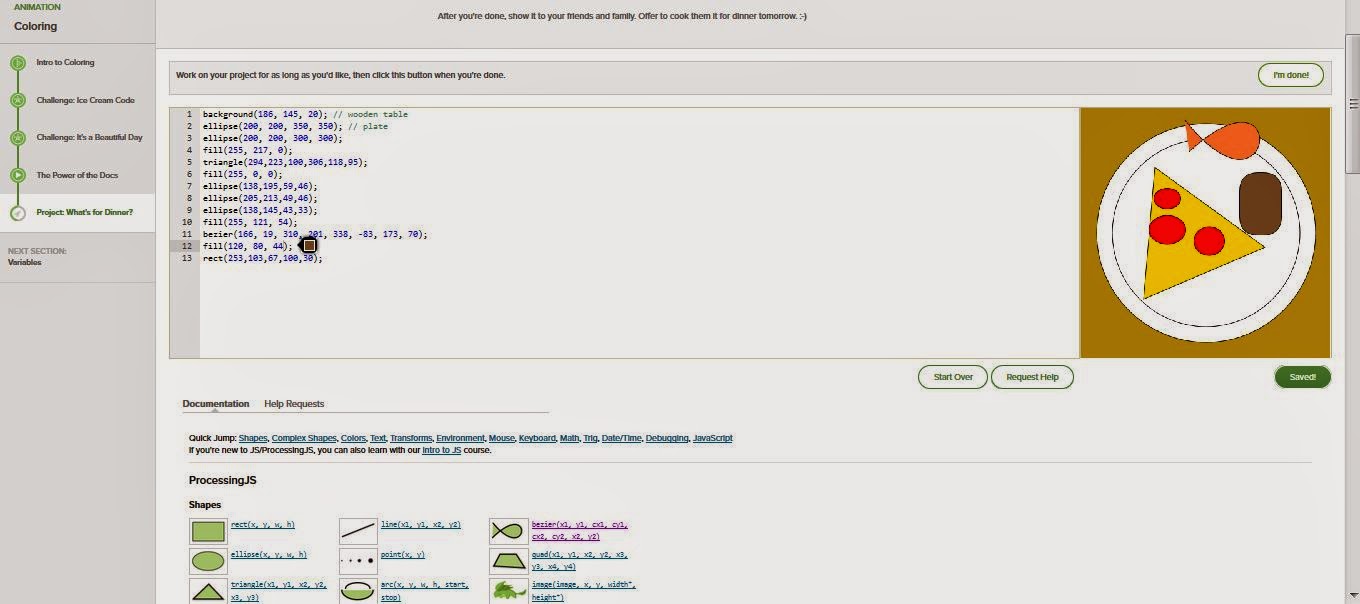
I created a plate of food! there is pizza, fish, and a potato!

This is a preparation for a final exam. It is a final exercise from the Immersive Education course that I am taking at Boston College. The course is called Discovering Computer Graphics. For details, visit the immersive BC portal at http://ImmersiveEducation.org/@/bc

Thursday, March 12, 2015

Class 8: Minecraft interface fundamentals

We had to download Mine craft on to our computers and then follow these tutorials.
 below is minecraft downloaded on my computer
 this is the first video
 I learned how to gather wood and enter crafting mode


 I made A crafting table and sticks
 I created a crafting table. This gave me a bigger space to craft and I could make tools.
then we learned about the controls and options


Wednesday, March 11, 2015

Class 7, WebGL: Progressing With PlayCanvas

Basic key board input:
This alows you to control the box using the arrow keys

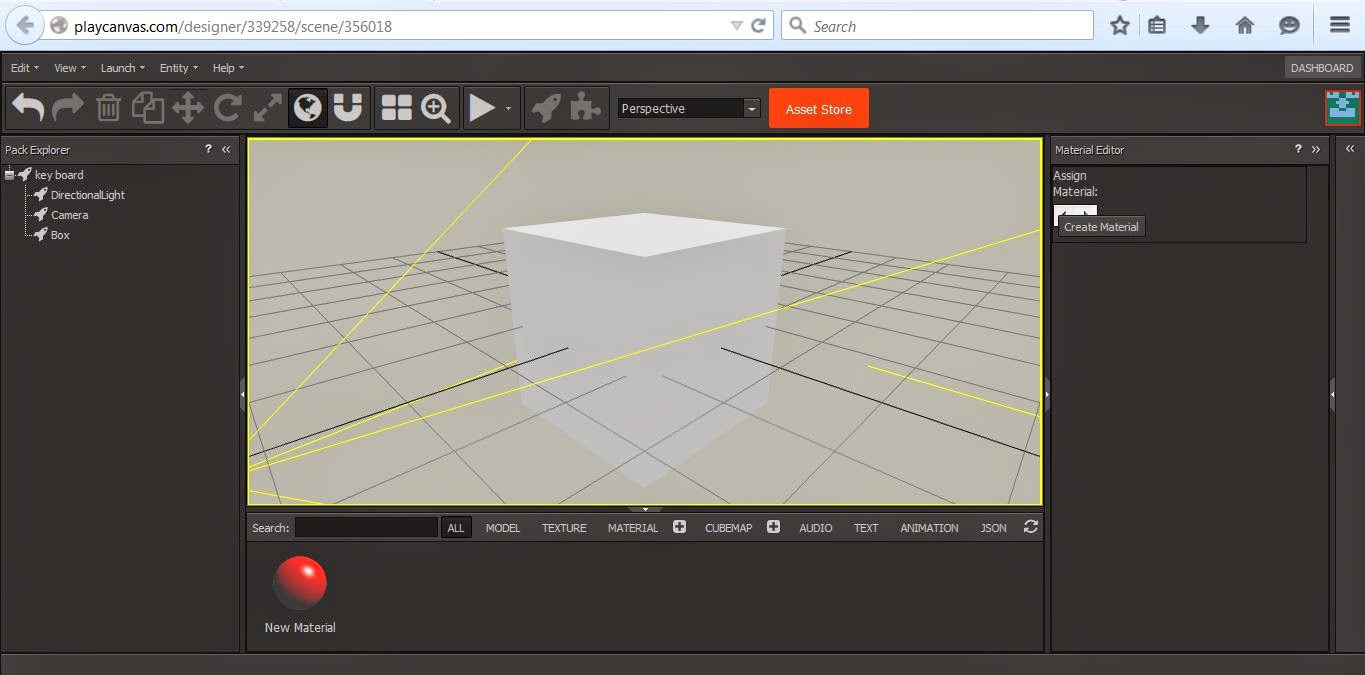
 I first created a box
 then I added the script to the object
 then I pressed play but I could not get the box to move


Basic mouse input:
This allows you to control an object using the mouse
 I added the script and tried to make the sphere move

 However I could not get the sphere to move


Basic Camera
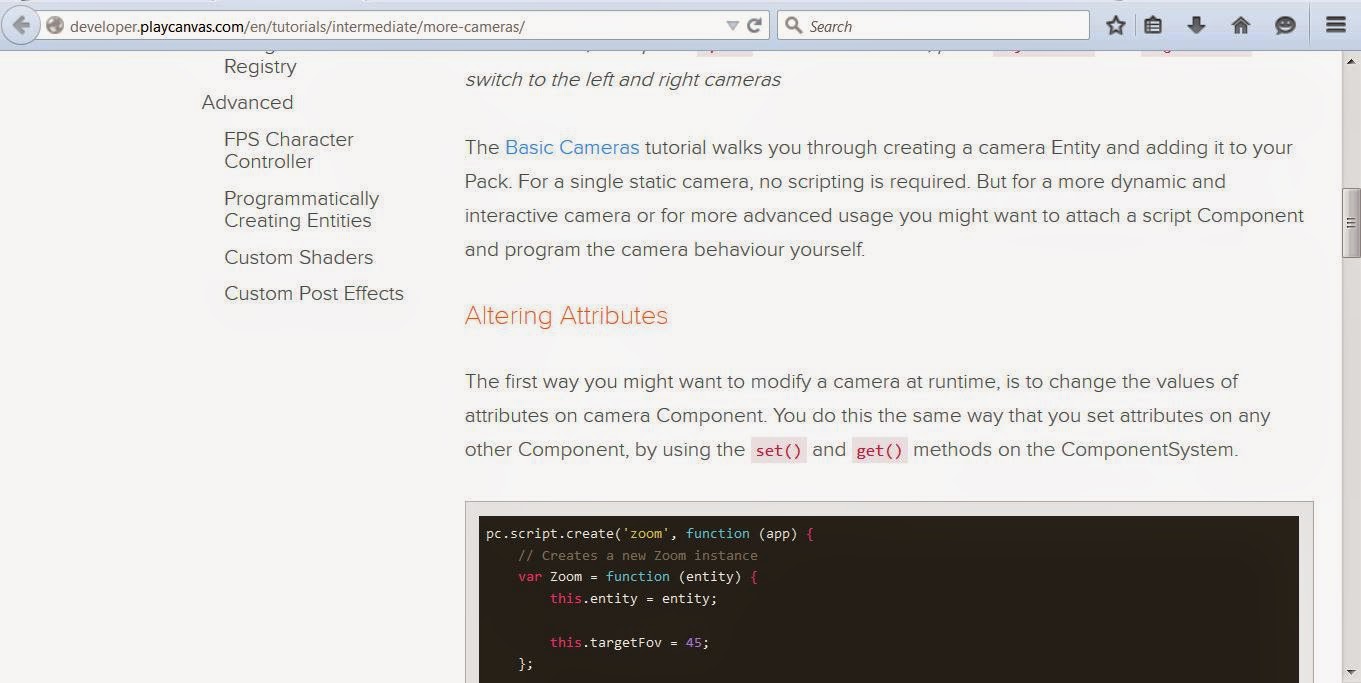
I read the tutorial but don't have any idea how to do it